
Lucky Hills Casino App: Install It on Android and iPhone
Start with the thing most pages bury: there is no Lucky Hills APK and no native app. What Lucky Hills ships is a web app — you install the site itself to your home screen from your browser, and from then on it opens like any other app, full screen, with its own icon. Two minutes, no download, and the twenty install spins land on their own afterwards.
That sounds like a downgrade until you look at what you are not doing: no sideloading, no unknown-sources toggle, no 200MB package, no waiting for updates. Below are both install routes, the device requirements, an honest comparison against just using the browser, and a troubleshooting table for when the install option refuses to appear.
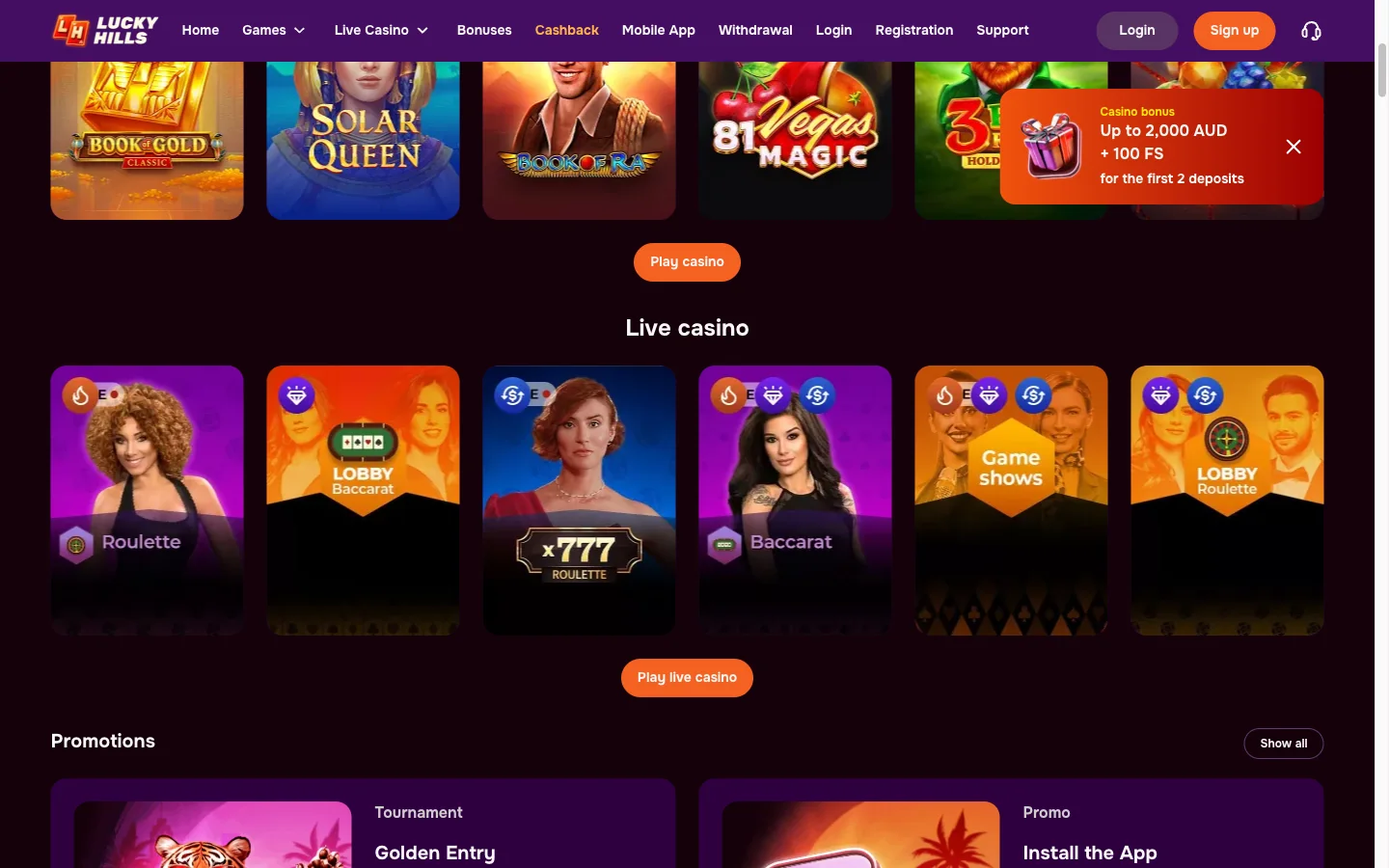
Why Lucky Hills Has No App Store Listing
Google Play and Apple's App Store both restrict real-money casino apps heavily, and an offshore operator serving Australia does not meet the conditions. So the app never appears in a store search, and its absence tells you nothing about whether the casino is real.
Treat every "Lucky Hills APK" download as hostile. The operator does not distribute one, so any file offered under that name was built by somebody else and wrapped in whatever they chose to include. Sideloading it hands an unknown party a foothold on the phone you bank with. There is no upside — the browser install below gives you the identical casino, and it is the route the operator itself points to.
The same goes for anything claiming to be a Lucky Hills mirror app. Access questions belong on the login page, and the short version is that Lucky Hills publishes no mirrors at all.
Installing the Lucky Hills App on Android
Chrome and Samsung Internet both handle this. Roughly two minutes.
Open Lucky Hills in a real browser tab
Load the site in Chrome or Samsung Internet, clearing the human-verification gate if it appears. Avoid the built-in browser that opens when you tap a link inside a social app — those cannot install anything, which is the most common reason the option is missing.
Find the install entry in Chrome's menu
Tap the three-dot icon in the top-right corner of Chrome. You want Install app, or Add to Home screen on older builds. Samsung Internet hides the same option behind its own menu icon.
Confirm
Tap Install. The icon appears within a few seconds. Note what does not happen: no unknown-sources prompt, no security warning, no downloaded file sitting in your storage. If you see any of those, you are not installing the real thing — stop.
Sign in and collect the spins
Open Lucky Hills from the new icon and log in normally. The twenty install spins are credited automatically once you have signed in.
Installing Lucky Hills on iPhone and iPad
One rule decides whether this works: it has to be Safari. Chrome on an iPhone cannot install a web app, because Apple reserves the capability for its own browser. Nearly every "there's no install option on iOS" complaint traces back to this.
Open the site in Safari
Not Chrome, not Firefox, not the browser inside another app. Safari specifically.
Tap Share
The square with the upward arrow. Bottom of the screen on an iPhone, top right on an iPad.
Choose Add to Home Screen
Scroll the share sheet — it sits below the sharing row. Rename the icon to something short if you prefer, then tap Add.
Launch it
It opens full screen with no address bar. Sign in, and the install spins follow.
iPadOS behaves identically. On Windows or macOS, Chrome and Edge show a small install icon inside the address bar that puts Lucky Hills in its own desktop window — genuinely useful on a laptop, and something no competing page seems to mention.
What the Lucky Hills App Needs to Run
| Device | Minimum | Browser | Notes |
|---|---|---|---|
| Android phone | Android 8.0+, 2GB RAM | Chrome or Samsung Internet | Android 6 and 7 usually manage, older builds struggle with live tables |
| iPhone | iOS 13+ | Safari only | Chrome on iOS cannot install — this is an Apple restriction |
| iPad | iPadOS 13+ | Safari | Same share sheet; the lobby uses the extra width well |
| Windows / macOS | Any current build | Chrome or Edge | Install icon appears in the address bar |
| Connection | 3G or better | — | Live dealer tables want stable 4G or Wi-Fi |
Lucky Hills App Versus Just Using the Browser
Worth being honest about how little actually changes, because the difference is convenience rather than capability.
| Installed app | Mobile browser |
|---|---|
| Home-screen icon, one tap | Type the address or dig through bookmarks |
| Full screen, no address bar | Browser chrome eats vertical space |
| Faster to re-open, cache already warm | Reloads more of the page each visit |
| Bot-check gate appears less often | The human check tends to reappear on fresh sessions |
| Earns the 20-spin install bonus | No install bonus |
| Identical either way: your account, balance, active bonuses, the full pokies and live lobby, every payment method, withdrawals, verification and support | |
So the install is worth doing mostly for the spins and the tap-to-open convenience. Nobody should feel they are missing games by staying in Chrome, because they are not. What the lobby holds is covered on the pokies page.
When the Lucky Hills App Will Not Install or Behave
| Symptom | Likely cause | Fix |
|---|---|---|
| No "Install app" in the menu | Page opened inside a social app's browser | Open the site in a normal Chrome tab and retry |
| No install option on iPhone | You are in Chrome, not Safari | Reopen in Safari — only Safari can install on iOS |
| Option greyed out | Private or incognito window | Switch to a standard window |
| Icon never appears | Install cancelled, or storage full | Free some space and repeat the menu step |
| "Verify you are a human" on every launch | Cookies being cleared, or a privacy extension | Allow cookies for the site; the gate then settles down |
| App opens on a blank screen | Stale cache after a site update | Clear the browser cache, then relaunch the icon |
| Session drops mid-spin | Weak mobile signal | Rounds settle server-side; log back in and check game history |
| The 20 install spins never arrived | Installed but not yet signed in | Log in through the icon — the bonus keys off the login, not the install |
| Login rejected in the app only | Autofill supplying an old password | Type it manually; the login page covers the rest |
One reassurance on uninstalling: deleting the icon removes a shortcut and a cache, and nothing else. Balances, bonuses and verification live on the operator's servers. Sign in from any browser and everything is where you left it.
Install Lucky Hills and Take the 20 Free Spins
No APK, no store, no download. Open the site, install it from your browser menu, sign in — and twenty spins at A$0.10 arrive with no deposit and no code. Terms are on the no-deposit page.
Open Lucky Hills to installLucky Hills App Questions Australians Ask
No. Lucky Hills publishes no APK file and no native app. Any site offering a Lucky Hills APK produced that file themselves, and installing it means giving an unknown party access to your phone. Install the web app from the browser instead.
It is on neither, and that is not a mark against it. Both stores exclude real-money casino apps of this type in Australia, so offshore operators deliver a web app from the browser instead. That is what Lucky Hills does.
Yes, through Safari's Add to Home Screen. It must be Safari — Chrome on iPhone cannot install a web app because Apple does not allow it. That single detail accounts for most reports of the option being missing.
Almost none. There is no package to download, only a launcher icon and a small cache, so it takes a fraction of what a native casino app of a few hundred megabytes would occupy.
Twenty of them, with no deposit and no code. They carry a fixed A$0.10 stake and x40 wagering, and they are credited automatically once you have installed the app and signed in. The no-deposit page covers the terms.
No. It is the same site in a different wrapper, so one account, one balance and one set of bonuses. A bonus activated on your laptop is already running when you open the app on your phone.
Usually because the page is open in a private window, in a social app's built-in browser, or in Chrome on an iPhone. Open the site in a normal Safari or Chrome tab and the option returns.
Yes to both. iPadOS uses the same Safari share sheet as an iPhone, and desktop Chrome and Edge on Windows or macOS show an install icon in the address bar that puts Lucky Hills in its own window.
It does, because it loads the live site every time you open it. There is no version to check and nothing to reinstall, which is one genuine advantage over a native casino app.
No. Removing the icon removes a shortcut and its cache, nothing more. Your balance, bonuses and history are held on the operator's servers, and signing in through any browser brings you straight back.
No. Every spin is settled on the game server, so the app needs a live connection. On a weak mobile signal you may see a game hesitate rather than fail, and already-staked rounds still resolve server-side.
No, verification is tied to the account rather than the device. Documents uploaded on a desktop are already accepted when you open the app, and multi-factor authentication applies to logins and withdrawals in both places.